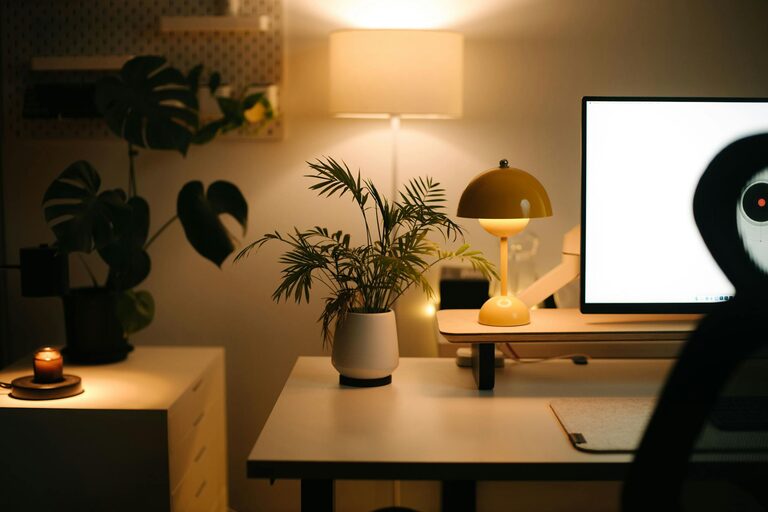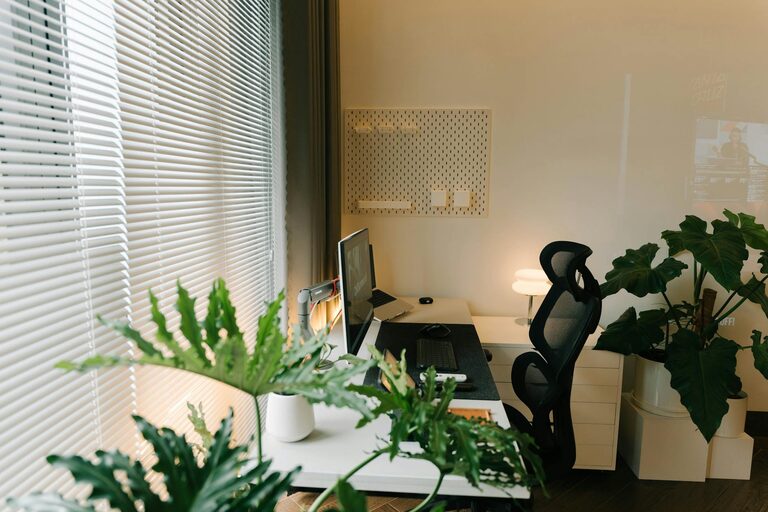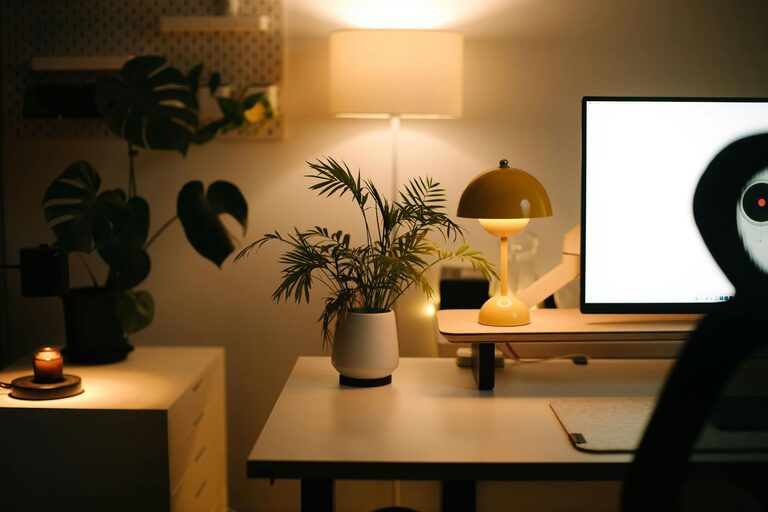
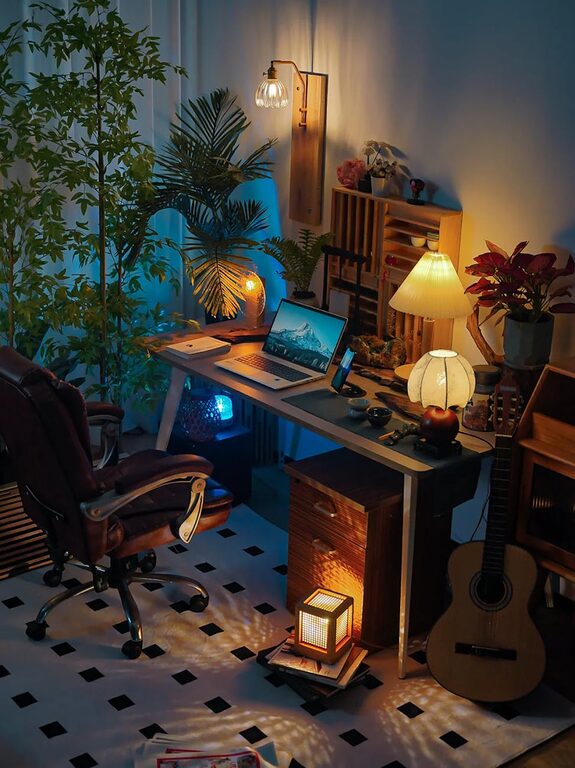
Creating a cozy and inviting home workspace can transform your daily routine, making working from home both enjoyable and productive. A well-designed workspace not only supports your tasks but also promotes comfort, focus, and creativity. Whether you have a dedicated room or a small corner, these tips will help you design a space that feels just right.
Choose the Right Location
Selecting the best spot for your workspace is the first step to creating a comfortable environment.
– Natural light: Position your desk near a window if possible. Natural light improves mood and reduces eye strain.
– Quiet area: Choose a quiet corner away from household noise to minimize distractions.
– Space: Ensure you have enough room for your desk, chair, and any equipment or materials you need without feeling cramped.
Invest in Comfortable Furniture
Comfort is key for long hours of work. Prioritize ergonomics and style to create a pleasant space.
– Ergonomic chair: Choose a chair with good back support and adjustable height to maintain good posture.
– Desk height: Your desk should be at a comfortable height where your elbows rest at around 90 degrees when typing.
– Additional seating: If space permits, add a small couch or armchair for breaks or reading.
Personalize Your Workspace
Adding personal touches can make your workspace inviting and inspiring.
– Colors: Use soothing colors like light blues, greens, or warm neutrals to create a calm atmosphere.
– Artwork: Hang paintings, prints, or photos that motivate you or make you happy.
– Plants: Incorporate greenery to brighten the space and improve air quality.
Keep It Organized and Clutter-Free
A tidy workspace helps you focus and reduces stress.
– Storage solutions: Use shelves, drawers, or baskets to keep items organized.
– Cable management: Use clips or boxes to keep wires neat and out of sight.
– Daily cleanup: Spend a few minutes at the end of each workday tidying up your desk.
Optimize Lighting
Good lighting is essential for comfort and productivity.
– Layered lighting: Combine natural light with overhead lights and task lamps to avoid harsh shadows.
– Adjustable lamps: Use lamps with adjustable brightness and direction to reduce glare on screens.
– Warm bulbs: Choose bulbs with warm tones to create a cozy ambiance.
Add Comfort Elements
Small touches of comfort make your workspace welcoming.
– Soft textiles: Use cushions, throws, or rugs to add warmth and texture.
– Temperature control: A small fan or heater can help maintain your preferred temperature.
– Scent: Light a candle or use essential oils for a subtle, pleasant aroma.
Incorporate Technology Wisely
Technology should support your work without overwhelming your space.
– Monitor stands: Elevate screens to eye level to avoid neck strain.
– Wireless devices: Use wireless keyboards and mice to reduce cable clutter.
– Charging stations: Organize your gadgets in one spot to keep everything handy.
Set Boundaries and Routine
To make your home workspace truly effective, establish routines and boundaries.
– Defined work hours: Stick to a schedule to separate work from home life.
– Workspace-only zone: Use your workspace exclusively for work to mentally switch between tasks and rest.
– Break space: Step away regularly to refresh your mind, ideally outside your workspace.
—
By focusing on comfort, organization, and personal touches, you can create a cozy and inviting home workspace that supports your productivity and well-being. The key is to design a space that feels good to be in, encouraging you to work efficiently while enjoying the environment around you.
About the Author