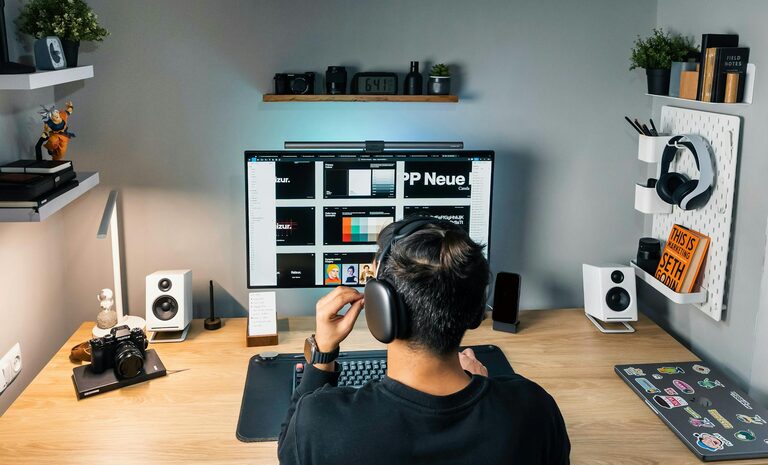
Creating a productive home office space is essential for anyone working remotely or managing tasks from home. A well-designed workspace can improve focus, reduce distractions, and help maintain a healthy work-life balance. Whether you have a dedicated room or a small corner, these tips will help you set up an efficient and comfortable home office.
Choose the Right Location
Consider Natural Light
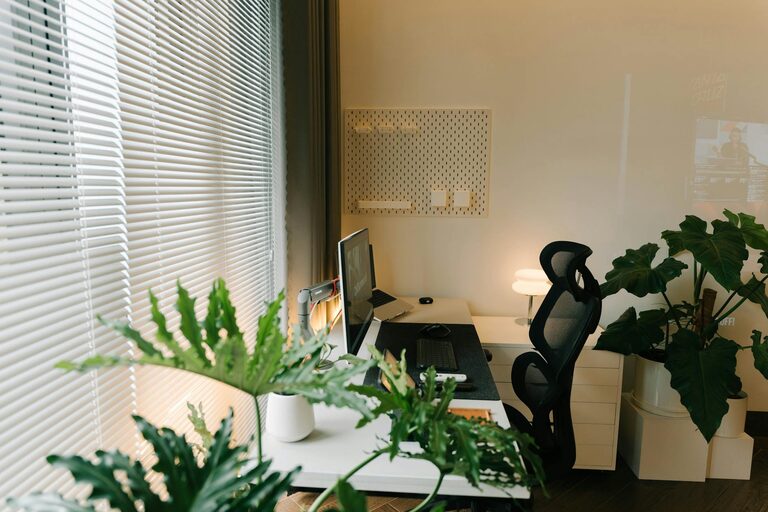
Selecting a space with plenty of natural light can lift your mood and help reduce eye strain. Ideally, position your desk near a window but avoid glare on your computer screen.
Minimize Distractions
Try to find a quiet area, away from household noise or high-traffic zones. This will help you concentrate and maintain productivity throughout the day.
Define Your Workspace
If space is limited, clearly define your work zone with room dividers, rugs, or furniture arrangement. This separation helps mentally distinguish work time from personal time.
Invest in Comfortable and Functional Furniture
Ergonomic Chair and Desk
A good ergonomic chair supports your posture during long work hours, reducing back and neck strain. Pair it with an adjustable desk or a desk at the right height to maintain comfort.
Adequate Desk Space
Make sure your desk has enough surface area for your computer, notepads, and other essentials. Clutter-free surfaces promote focus and efficiency.
Storage Solutions
Use shelves, drawers, or organizers to keep supplies tidy and accessible. Efficient storage reduces clutter, which can contribute to distractions.
Optimize Lighting
Layered Lighting
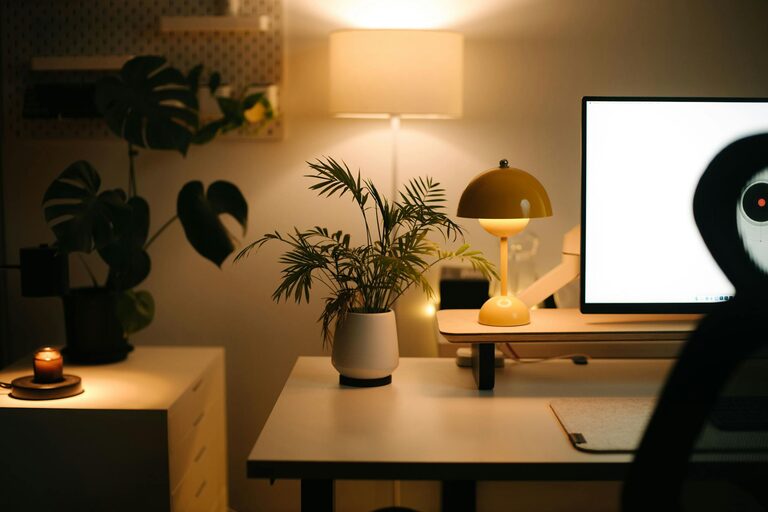
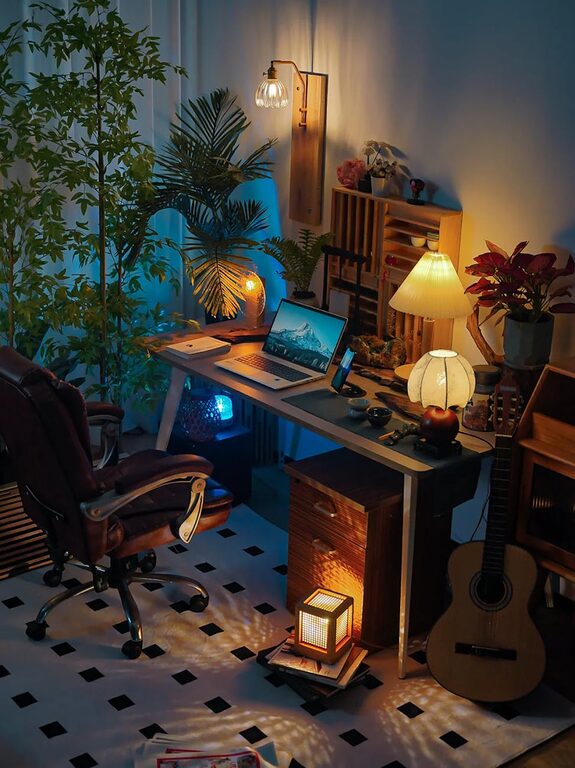
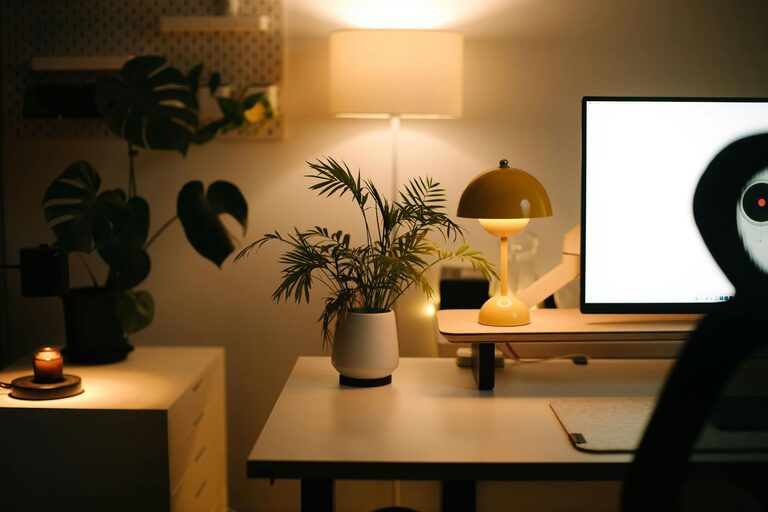
In addition to natural light, use a combination of ambient, task, and accent lighting. A desk lamp with adjustable brightness is especially helpful for focused work.
Avoid Harsh Lighting
Soft, warm light is easier on the eyes than bright fluorescent lighting. Choose bulbs that mimic daylight for a natural feel.
Organize for Efficiency
Declutter Regularly
Keep only what you need on your desk. Clutter can overwhelm your workspace and distract your mind.
Use Digital Tools
Digital calendars, to-do lists, and note-taking apps can help you stay organized without adding physical clutter.
Cable Management
Manage cables and chargers using clips, sleeves, or boxes to prevent tangling and maintain a clean appearance.
Personalize Your Space
Add Plants
Indoor plants can improve air quality and add a refreshing visual element to your home office.
Inspirational Items
Include items that motivate you, such as artwork, quotes, or photos, but keep them consistent with a calm and focused environment.
Comfortable Accessories
Incorporate items like cozy cushions, a wrist rest, or a footrest to enhance comfort during work hours.
Maintain a Healthy Routine
Set Boundaries
Establish clear work hours and take regular breaks to avoid burnout and maintain productivity.
Incorporate Movement
Include a stretch area or consider a sit-stand desk to encourage movement throughout your day.
Keep Hydrated and Nourished
Having a water bottle and healthy snacks nearby helps you stay energized and focused.
Leverage Technology Wisely
Reliable Internet
Ensure your internet connection is strong and stable to reduce frustrating disruptions during work.
Quality Equipment
Invest in a good monitor, keyboard, mouse, and headset to enhance comfort and communication.
Backup and Security
Use cloud backups and security software to protect your important files and data.
Conclusion
Setting up a productive home office is about balancing comfort, organization, and focus. By choosing the right location, investing in ergonomic furniture, optimizing lighting, and keeping your space organized and personalized, you can create a workspace that supports your productivity and wellbeing. Remember, a well-designed home office not only improves work performance but also makes your remote work experience more enjoyable.
About the Author